What is a Donkey Car?
The Donkey Car platform is an autonomous driving car system built using a Raspberry Pi equipped with the machine learning software library TensorFlow provided by Google, and features a camera mounted on a remote-controlled car. It can be operated via smartphone or computer.
Initially, a human drives the RC car around the track, which allows the AI car to learn by associating the “scenery captured by the camera” with the “status of the steering and throttle”. Once the learning model is developed on the computer and set loose on the track, it is able to drive on its own, even replicating the human driver’s unique driving nuances.
How to build a Donkey Car?
Step1: Donkey Carのベースシステム作成
1. SD作成
Download and install the Raspberry Pi Imager on your computer as described under https://www.raspberrypi.com/software/.
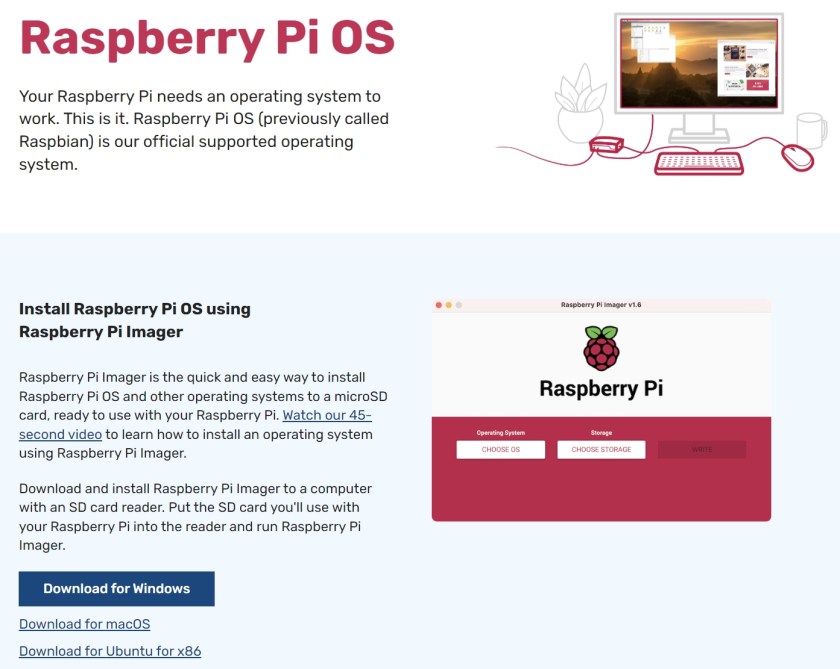
下载Donkey Car系统
Write the installer onto the SD card:
To start the process, select Write.
Wait for the Donkey Car system to be written to the SD card.
Eject the SD card.
2. WiFiのSSIDなど設定
wpa_supplicant.conf をダウンロード
SDカードをPCで開き、wpa_supplicant.confファイルをSDカード内にコピー
wpa_supplicant.confをVSCodeテキストエディタで開き、ssidに接続先のssid, pskにpasswordを記載
wpa_supplicant.conf
country=JP
ctrl_interface=DIR=/var/run/wpa_supplicant GROUP=netdev
update_config=1
network={
ssid="ditu271"
psk="tokyoueno774"
scan_ssid=1
}
Donkey Car IP アドレス確認する方法
Step 2: Donkey Car操縦 (学習用のデータの作成)
Calibration
Step 3: クラウドで学習
Step 4: 学習済みモデルで自動走行
SSHで、Raspberry Pi側にログインし、mycarフォルダに移動します。
cd ~/mycarアップロードしたモデルを指定してDonkeyCarを指導します。
python manage.py drive --model ./models/mypilot.h5DonkeyCarに、Webサーバが立ち上がりWebConsoleが起動します。WebConsoleへのアクセスは、DonkeyCarのIPアドレス:8887でChromeで接続します。
Step 5: ビデオの撮影、編集
 ZhouEdu.net